How to Give Robux to People in Roblox
Roblox is a popular online platform that allows users to create and play games created by other users. One of the most exciting aspects of Roblox is the ability to exchange Robux, its virtual currency. Whether you want to support your friends, gift someone on their special occasion, or just show appreciation for a creator’s work, knowing how to give Robux can enhance your experience in Roblox. In this blog post, we will cover safe and legitimate ways to transfer Robux to others without violating any of Roblox’s rules.
Video Tutorial
Why You Might Be Looking for This Tutorial
Many players are interested in learning how to give Robux for various reasons. You may want to:
- Support your friends who are struggling to earn Robux.
- Gift Robux to someone as a special present or reward.
- Encourage creators by donating to their games or projects.
- Learn how to transfer Robux safely without risk of scams.
Steps to Give Robux to People in Roblox
Method 1: Using Game Passes
- Create a Game Pass: You need to start by creating a Game Pass for your game. This can be done by navigating to the ‘Create’ section on the Roblox website.
- Set a Price: When creating the Game Pass, set a price in Robux that your friend will pay to receive the Robux. Make sure it’s a fair amount.
- Send the Link: Once your Game Pass is created, share the link with your friend. They will need to purchase the Game Pass to receive the Robux.
Method 2: Using Donation Games
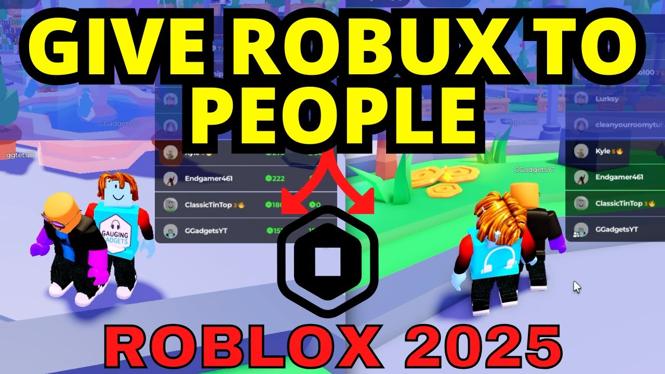
- Find a Donation Game: Join a donation game like ‘Pls Donate.’ These games are specifically designed for users to donate Robux to each other.
- Create a Booth: In the game, create your custom booth with unique items or descriptions that explain why you’re raising funds.
- Invite Friends: Let your friends know you’re in the donation game and encourage them to donate to your booth.
- Donate Back: If you have friends in the game, consider donating back to them as well to build mutual support.
Method 3: Group Funds (For Group Owners)
- Join or Create a Group: If you own a Roblox group, you can share group funds with members of the group.
- Distribute Funds: Go to the group admin panel and select the option to distribute Robux to group members.
- Set Amount: Decide how much Robux each member will receive and complete the transfer.
Final Thoughts
Giving Robux can be a fun and rewarding way to interact with your friends and the Roblox community. By following the methods outlined above, you can transfer Robux easily and safely. Always remember to follow Roblox’s guidelines to avoid any issues with your account. Happy gifting!
More Roblox Tips & Tutorials:
 Subscribe Now! 🙂

Discover more from Gauging Gadgets
Subscribe to get the latest posts sent to your email.